
Description
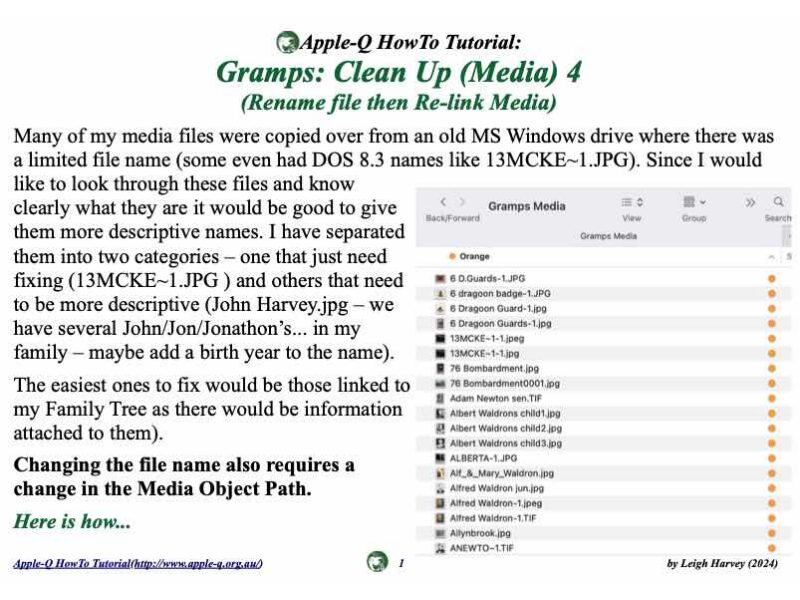
Many of my media files were copied over from an old MS Windows drive where there was a limited file name (some even had DOS 8.3 names like 13MCKE~1.JPG). Since I would like to look through these files and know clearly what they are it would be good to give them more descriptive names. I have separated them into two categories – one that just need fixing (13MCKE~1.JPG ) and others that need to be more descriptive (John Harvey.jpg – we have several John/Jon/Jonathon’s... in my family – maybe add a birth year to the name).
The easiest ones to fix would be those linked to my Family Tree as there would be information attached to them).
Changing the file name also requires a change in the Media Object Path.
Here is how...
Categories & Tags
Similar Downloads
or
[free_download_btn]

Published
21 September 2024
Updated
22 September 2024